An offline vault for iPhone
A private and
encrypted vault.
Encrypt My Data keeps passwords, notes, photos and videos in one encrypted vault with a master password of its own. It works offline, with no account to create.
On a computer? Scan the code with your iPhone camera to open the App Store.
A place for the personal
More than passwords.
Keep it together.
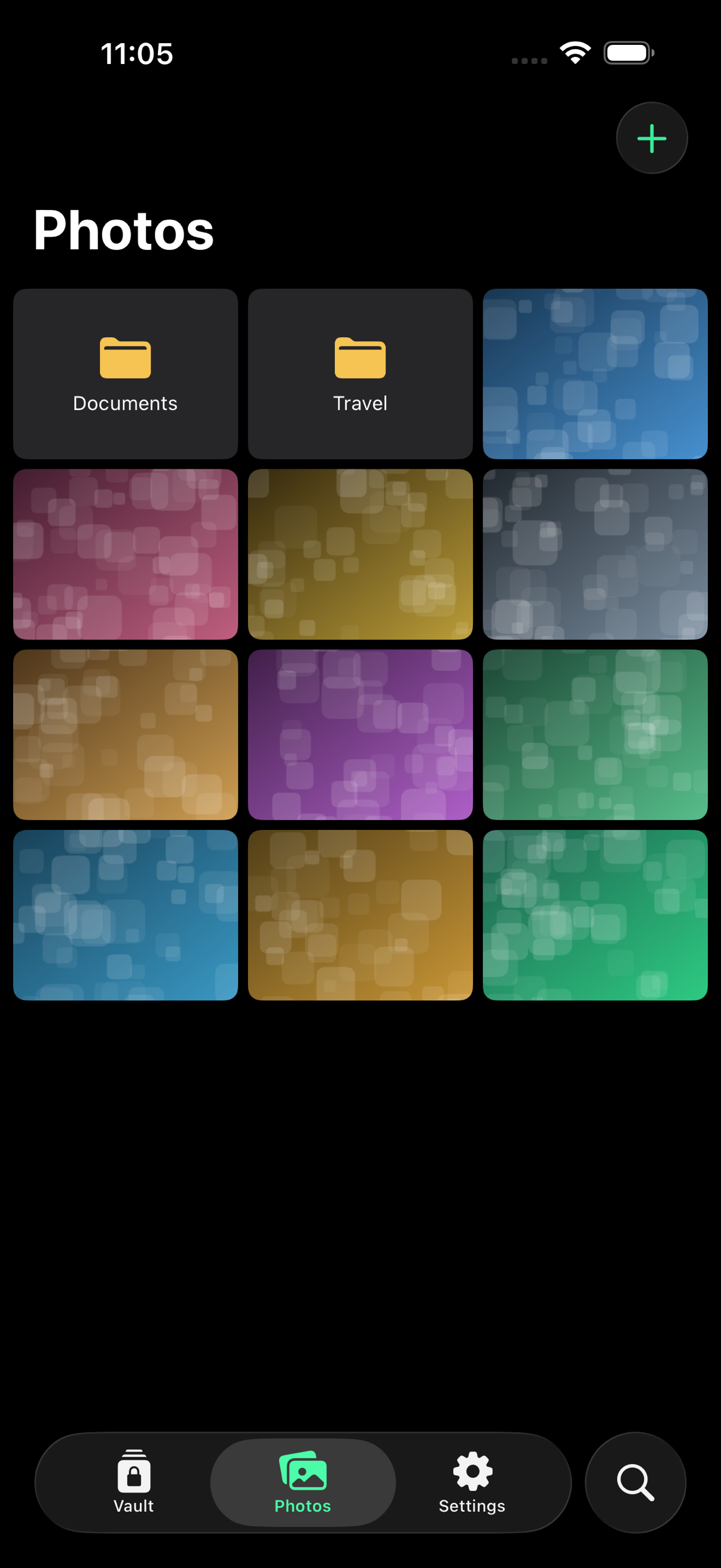
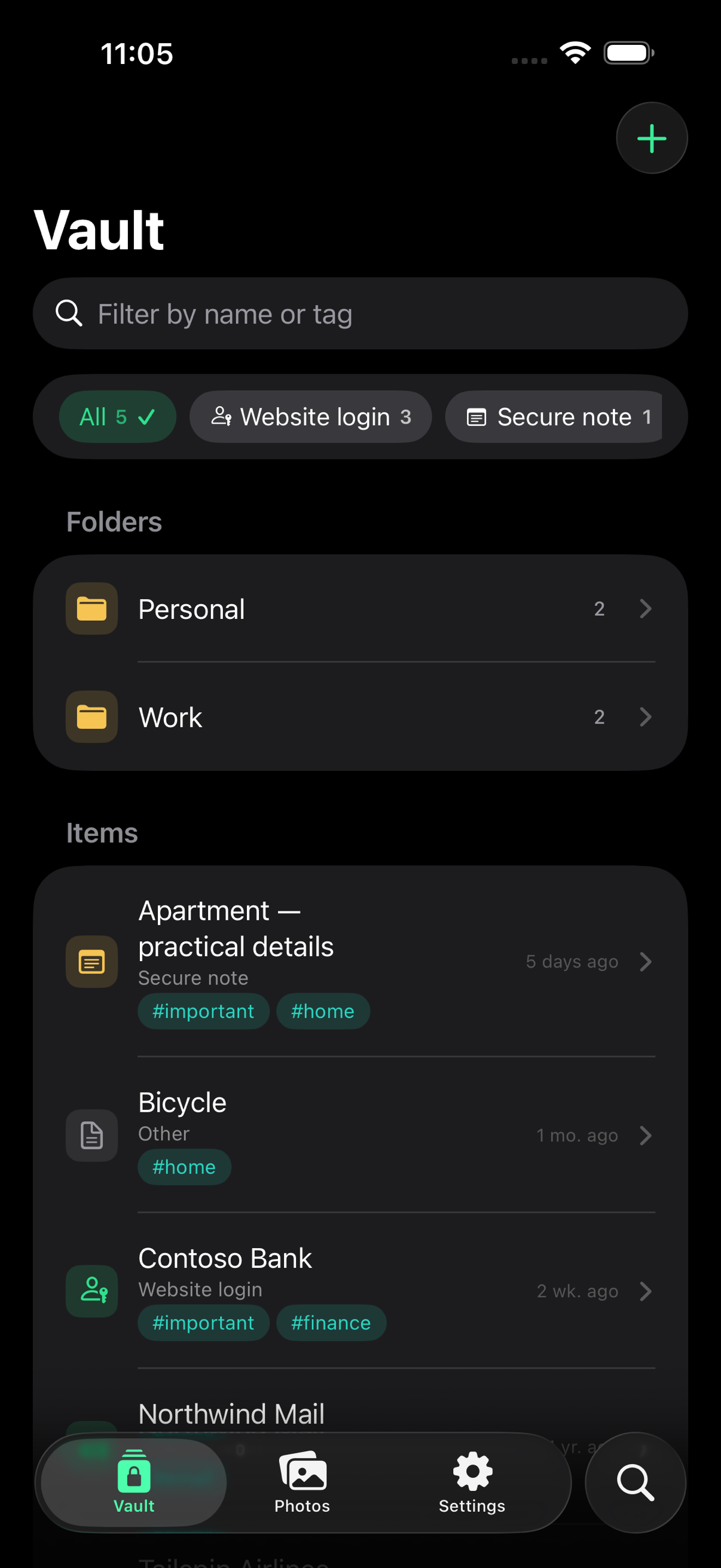
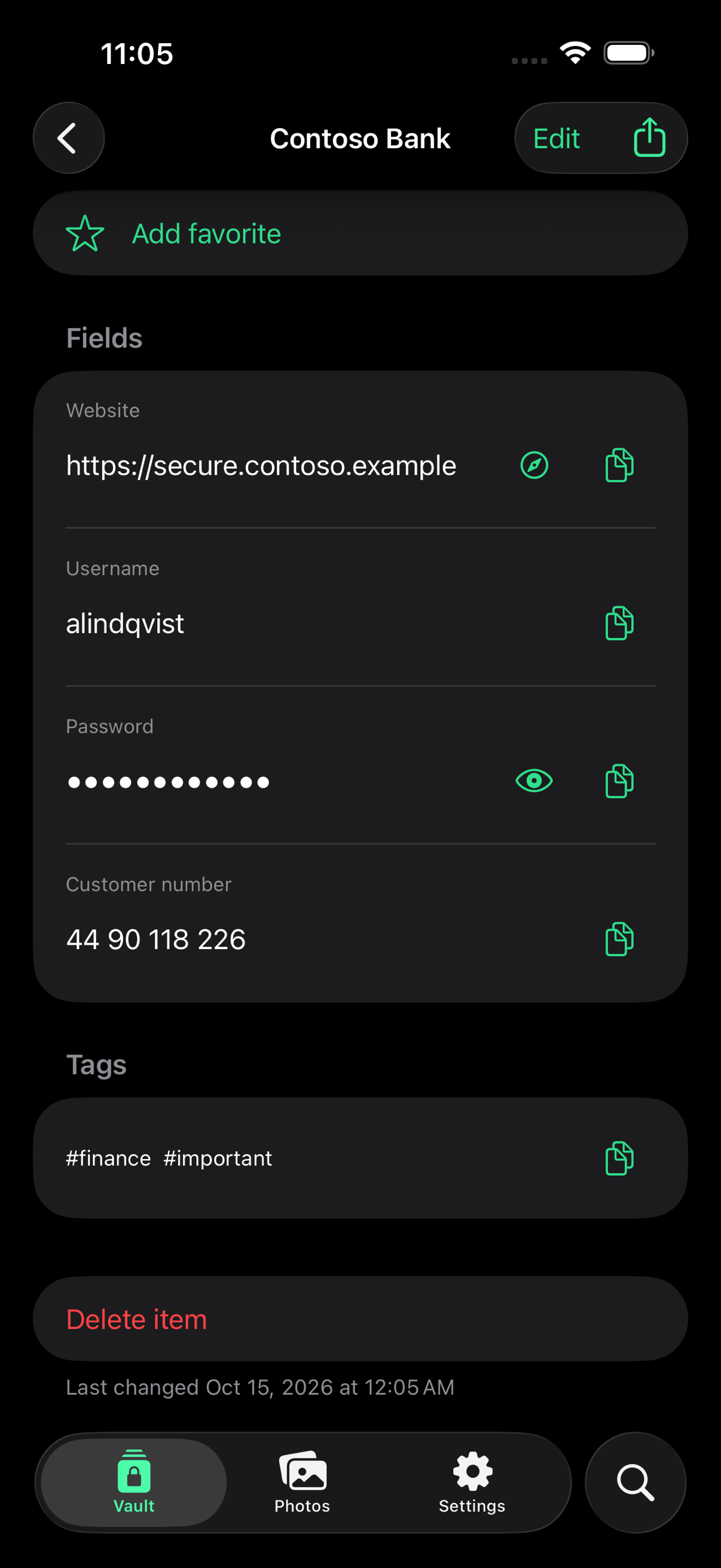
Save website logins, write private notes, add photos and videos, and create items with your own fields. Keep secret values hidden until you need them.
Find your own order.
Organize with folders and tags. Keep favorites close and pick up unfinished edits from encrypted drafts.
Share on your terms.
Share one item in a password-protected file or export an encrypted backup. You choose whether your vault is included in your iPhone backup.
Privacy in everyday use
Local storage.
Clear choices.
Your vault database, photos and videos are encrypted with AES-256-GCM. The app works without an internet connection. It contains no advertising, analytics, tracking or crash reporting, and no developer-operated cloud sync. iPhone Analytics, which you control in iOS Settings, is Apple's own and separate from the app.
Automatic locking and expiring copied values help limit exposure during daily use. Generate strong passwords and passphrases on your device.
Read how protection works →Quick unlock
Quick to open.
Only for you.
Open the vault with Face ID, a PIN or a pattern you draw on a grid of 16 dots, in one stroke or several. Each is optional, and set up in Settings.
Your master password always works. After a restart it is the only thing that does, and after every fifth wrong PIN or pattern it is needed again before they work.
Read how unlocking is protected →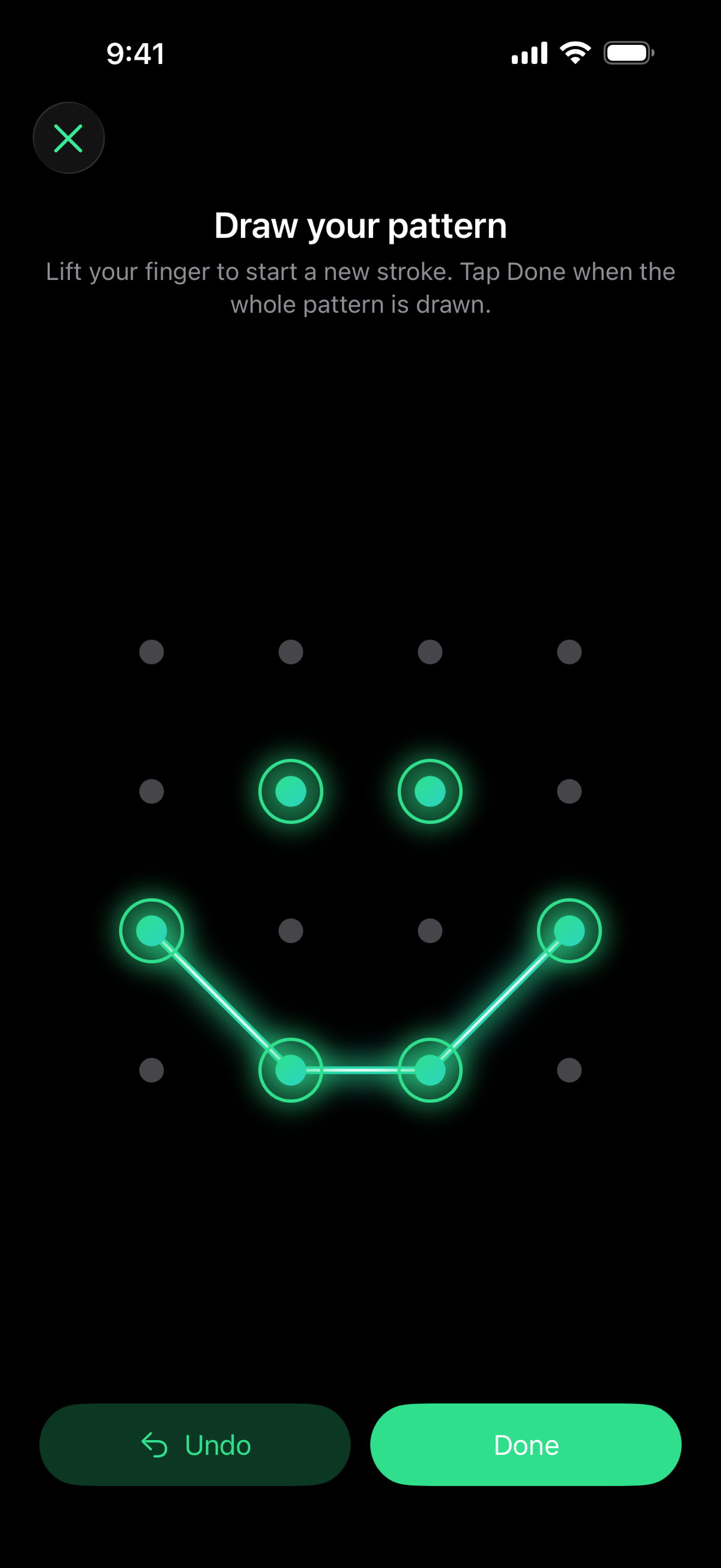
If your phone is taken
Someone has your phone.
Here is what stands in the way.
The vault locks on its own, and opening it takes more than your iPhone passcode.
It locks by itself.
By default the vault locks as soon as you leave the app, and after one minute without use. You can choose anything from 30 seconds to 15 minutes in Settings.
Your passcode is not the key.
The vault has its own master password. If someone adds a face to Face ID, Face ID stops opening the vault until the master password is entered. After a restart, only the master password works.
Guessing gets slow.
After two wrong attempts, each new one has to wait: 5 seconds, then 15, then a minute, rising to a full day. Restarting the app or the phone does not reset the count.
Erase after too many tries.
If you want, the vault can be destroyed after a number of failed attempts you choose, from 3 to 100. It is off by default, because it cannot be undone.
Nothing to see in passing.
The vault is covered in the app switcher and while the screen is being recorded or mirrored. Passwords stay hidden until you choose to show them.
Copied values do not linger.
A copied password is cleared from the clipboard after 60 seconds by default, and it is kept off your other devices.
Open a different vault.
With Pro you can keep more than one vault, each opened by its own password, PIN or pattern. If you are forced to unlock the app, open one that holds nothing important. Nothing in it shows that others exist.
None of this helps if the vault is already open in someone else's hands, or if they know your master password. What the app does not protect against →
Lost or stolen iPhone: what to do now →
Price
Free to start.
Open about the rest.
Free
Up to 50 items: logins, notes, photo albums or items with your own fields. Everything except extra vaults is included. Photos and videos in an item do not count separately.
$22.99 per year
Pro removes the limit and lets you keep more than one vault. The subscription renews every year until you cancel it in your Apple Account settings.
$79.99 once
Pro for life. One payment, no renewal.
Beyond more items and more vaults, Pro changes nothing: every other feature is in the free version. Both purchases can be shared with your family through Family Sharing. Prices are shown in US dollars; the App Store shows the price in your own currency before you buy. Bought the app when it was a paid download? Pro is already included.
Before you begin
A few things to know.
How is this different from the Hidden album or locked notes?
Both are protected by your iPhone's own encryption, and both can be opened with your iPhone passcode. Locked notes can use a separate password instead. Anyone who knows your passcode, such as a family member or someone who saw you type it, can open them. Encrypt My Data keeps passwords, notes, photos and videos behind a master password of its own. If the faces enrolled in Face ID change, Face ID stops opening the vault until that password is entered. The vault is not synced through iCloud: you decide whether its encrypted copy is included in your iPhone backup.
Do I need an account or internet connection?
No account is needed to create or use your vault. Core app features work offline. Apple handles downloading the app and any purchase: buying Pro or restoring a purchase needs a connection to the App Store. Visiting this website, contacting support or sending a file through another app may also use the internet.
Can you reset my master password?
No. We do not have your master password or a copy of your vault key. There is no account-based recovery. Keep your master password somewhere safe and maintain a backup you can restore.
Does my data ever leave my iPhone?
You can choose to include the encrypted vault in an Apple device backup, export a backup or share an item. Optional Password AutoFill uses a separate encrypted copy on the same device. These choices are explained in the privacy policy.
What happens if I stop paying for Pro?
Nothing in your vault is deleted, hidden or locked. You can still read, edit, search, share and export everything. Only adding new items stops while the vault holds 50 or more.
Is there cloud synchronization?
No. Encrypt My Data is a local vault. Backups are for restoring your data; they do not keep multiple devices synchronized.
Help is here.
Find setup, backup and recovery guidance, or contact us with a question. Please keep passwords and private vault files out of support messages.
Visit support →